

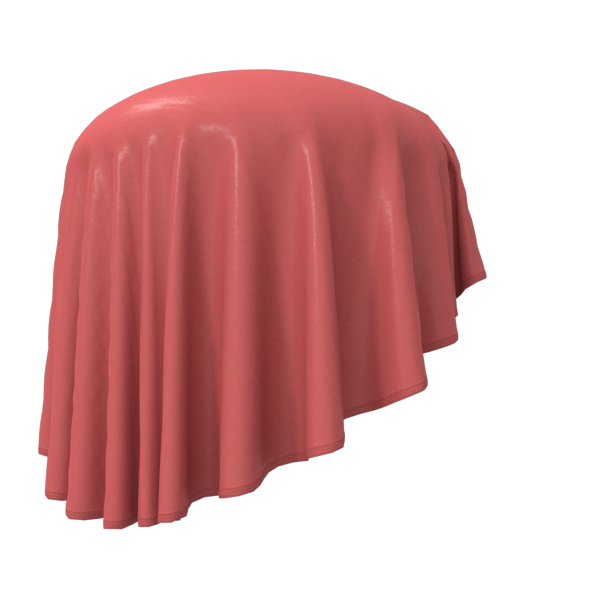


A quality needs to be analyzed by a fabric scanner that can digitalize the fabric on its look, texture, structure, weight, transparency, elasticity, drape, thickness and other properties of the physical fabric. This is necessary to make sure the fabric reacts and drapes in relation to gravity as it would in real life. Before a quality(fabric) can be added to the software it is important to know as much as possible about the fabric.
The different 3D software programs offer a solution to digitize your fabrics, but most programs come with a package of ready to use fabrics in the software which are all possible to change in look, weight and drape. Other software programs also offer digitized fabrics.
With the right guidance it is possible to alter the qualities. For instance – a heavy weight fabric 350 gsm (= grams per square meter), can be changed to a 250 gsm in the diagram that shows the physics of the fabric. Or let say, a 300 gsm jacquard fabric with flowers need to change to a 200 gsm check jacquard, this is also possible working with the surfaces of the fabrics.
At UTG we work in both jersey and woven fabrics– everything from fine mesh, lace, single jerseys to Punto de Roma, heavy sweat terries, woven fabrics in cotton, viscose and polyester. But you can work with all kind of materials. Heavy wools, fine laces, denim, padded nylons, leather and fur to make everything from jeans, outerwear, underwear, workwear and more
There are different file formats for fabrics depending on the 3D software you are using. But there is (almost) unified file format called U3M (Unified 3D Material). The idea that this file format can work across different 3D software programs. It is developed by Browzwear and Vizoo and is now used/supported by other 3D software programs such as Blender, Modo, Optitex and many more. So this fiel format is not only for the fashion industry but also for interior design, shoes, cars and more. The software from Browzwear has a huge package of knits, woven, denim qualities that comes with the program. There are also all kind of stitches and trims such as zippers, drawstrings and buttons too.
You can always add your own trim to the program. Using photoshop it is easy to add laces patches, metal detail, lace trim and ribbons and import to the 3D software. A trim can used as seam and easily added on cut lines or edges of a garment.
All over print and placement print can also be added to all fabrics. So, you can mix different fabrics and different prints all in one garment. You can see the surface structure of the fabric through the print layer, so it gives a realistic look. It’s the same for placement prints you can keep the structure of the fabric or choose it to be as a coating (layer) on the surface of the fabric.
All stitches are visible on the 3D garments, so you can make changes all the way down to the actual stitch. Even the shadow of the seam is changeable depending on if it is an open seam or folded to one side. All this help making the 3D simulation as the real sample.


A part of Red Cross Corporate Club.
